You have a product photo and need a short ad by Friday. You could open one app to clean up the still, another to animate it, and leave your developer to figure out how to connect the two. Wiro AI gives you a model catalog, browser playgrounds, and a unified API so you can try those steps in one place and turn them into a reusable workflow.
That makes Wiro worth trying if you're building a creative tool or regularly producing both images and video. The deciding question is whether the models you need deliver usable results at a cost that works for your project. The easiest way to find out is to take one product photo all the way to a clip.
Disclosure. Wiro purchased a LaunchAF Beta launch, which includes this review. We evaluated the public product pages, model playgrounds, and API documentation. The images are Wiro's published examples. We did not run paid inference or measure production performance.
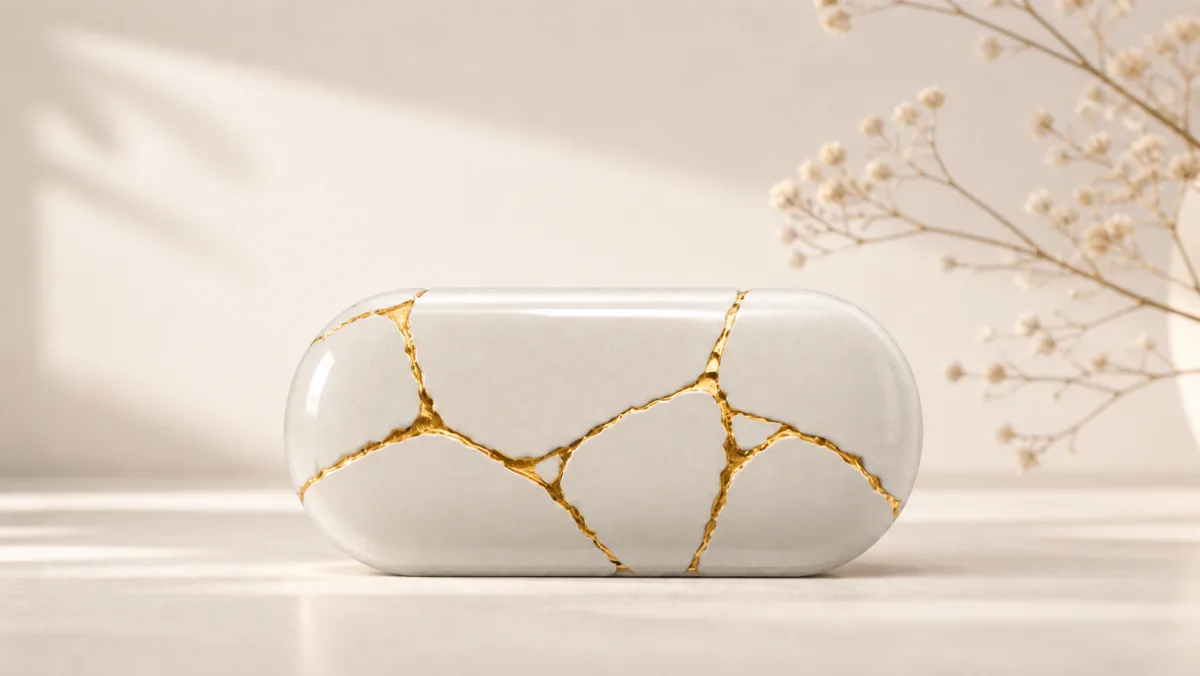
Wiro's homepage shows this ceramic bowl as an example image-generation output. Source: Wiro AI
What is Wiro AI?
Wiro AI is a marketplace for hosted AI models. Its catalog covers image generation and editing, text-to-video and image-to-video, speech and audio, and language models. You can explore a model through its browser playground, call it from your application using a project API key, or save a workflow that passes the output from one step to another. Wiro model catalog · Wiro API documentation
The practical benefit is most visible when a feature spans multiple providers. A store could edit a product photo with a Google model, send the approved still to a Kling video model, and generate a caption as a separate step. Your team gets a common place to look up inputs, submit model jobs, and check spending. Each model still has its own controls and supported formats, so swapping models can mean changing your inputs or adapting how you handle the output. Wiro exposes model parameters in the playground and through its model detail API. Wiro API documentation
Try Wiro's image and video generation API with one product photo
Start with a product you know well. That makes it easy to catch errors a beautiful demo can hide, such as a shifted logo, a changed lid, or a shape your customer would immediately recognize as wrong.
- Make one still. Open the Nano Banana 2.1 Advanced playground and use your photo as a reference. Ask for a pale background, soft side lighting, and the same silhouette and label placement. Check the result against the original. Use the real photo for the next step if the generated version changes details that buyers rely on. Open the Nano Banana playground
- Animate one approved frame. Upload the still to Kling V3 Turbo as the first frame. Ask for one camera move, such as a slow push-in with the product stationary. Pick a short draft, check the displayed price for your settings, and preview what happens to the label and edges as the camera moves. Open the Kling playground
- Save the recipe if you need to repeat it. A Wiro workflow can take new inputs and pass an image model's output into a video model. If brand accuracy matters, keep a review step in your own process before you send an image for animation. Once you're happy with the defaults, you can save the workflow and run it from the web or the API. Wiro workflow documentation
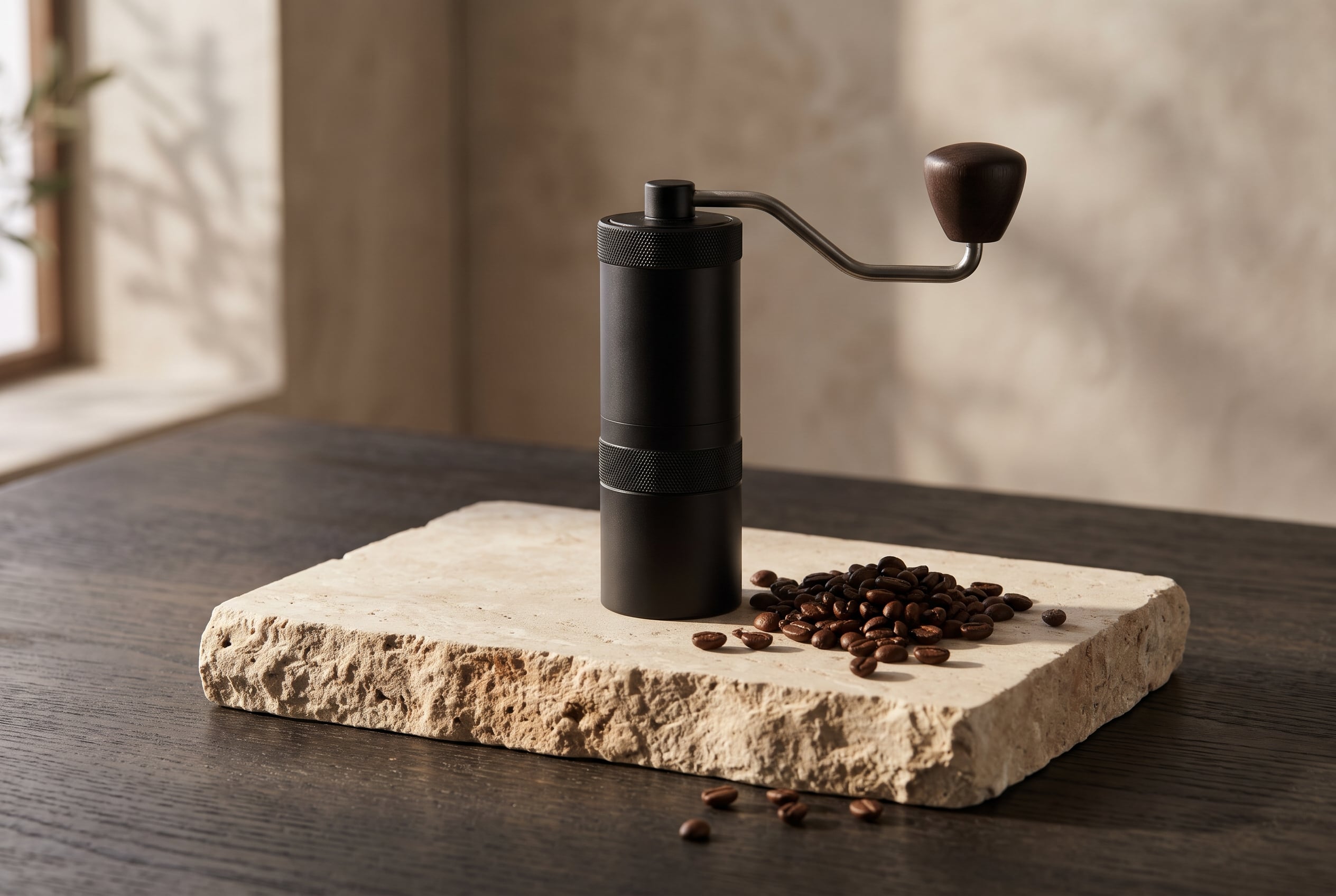
Wiro's coffee-grinder example gives you three things to check on your own still: the silhouette, the surface texture, and the side lighting. Source: Wiro's product photography guide
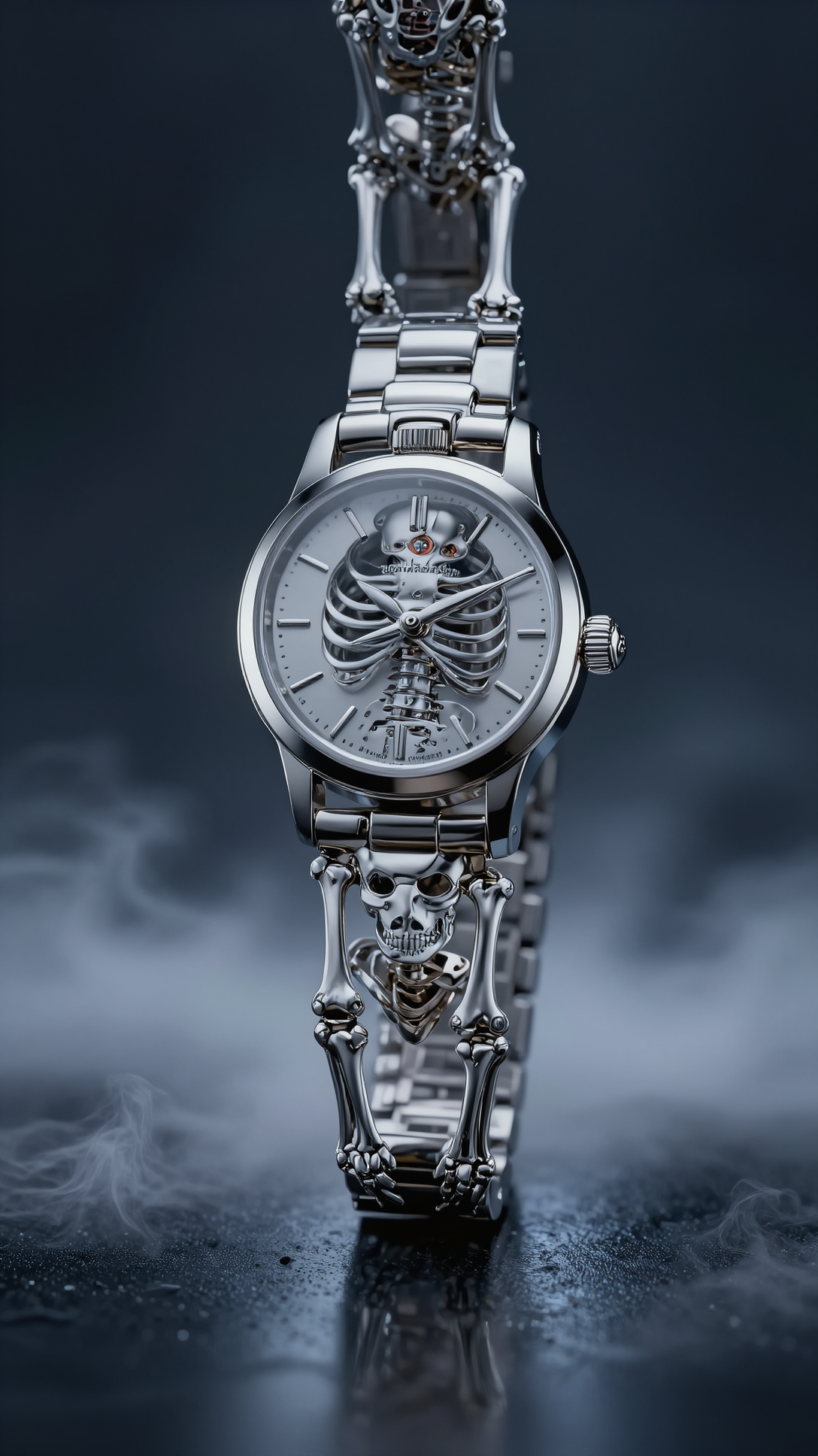
Wiro used this watch image as a shared input in its video comparison. Using the same first frame and motion prompt makes it easier to see which model preserves the product as the camera moves. Source: Wiro's image-to-video comparison
For a browser-first trial, Wiro Studio lets you describe what you want in chat and can choose a model for you. Use the individual playgrounds when you want to compare two specific models with the same input. For an app integration, the documented asynchronous pattern is to submit a job at POST /Run/{owner}/{model} and use POST /Task/Detail to check its status and retrieve the result. Give users a visible pending state if they'll be waiting on video. Wiro Studio help · Wiro API code examples
Wiro AI pricing and what a usable clip costs
Wiro uses pay-as-you-go pricing for model runs. The billing unit depends on the model and can be a fixed run price, pixels, video seconds, tokens, or another usage measure. Resolution, duration, and other options can change the price. Wiro's help center also lists a $10 minimum wallet balance to start chatting in Studio. That is a balance requirement for Studio, while actual charges depend on usage. Wiro pricing · API billing documentation · Studio help
When comparing providers, track cost per usable output. If you run four clips at $0.25 each and keep one, that clip cost $1 in video runs. Add any paid image edits or upscales you needed along the way. The numbers here are illustrative. Use the selected model's current price and Wiro's reported task cost for your own comparison. In a two-model trial, keep the starting frame, duration, resolution, and motion brief the same wherever both models support them. Track how many takes you keep and how long they take to arrive. Wiro API billing documentation
Wiro AI vs. fal and Replicate
If you're looking for a fal or Replicate alternative, pick a real task and compare the platforms on it. All three let developers call hosted models, and each is worth evaluating for a different reason. Wiro documentation · fal documentation · Replicate documentation
| Platform | What to evaluate first |
|---|---|
| Wiro AI | Run a still-to-video job in the playgrounds and see how easily you can save and rerun it as a workflow. |
| fal | Try your target media model through its queue API and check how its status and result handling fit your app. |
| Replicate | Try the public model you need, or evaluate Cog and custom deployments if you plan to bring your own code and weights. |
Wiro makes the clearest case for a team that wants to prototype in a browser and then reuse the same multi-model process in an app. If you only need one stable endpoint, include the original provider in your comparison and check the exact version, parameters, and cost for that one job. For applications with user uploads or high traffic, evaluate retention, concurrency, and failure handling before rollout. Wiro API documentation · fal queue API · Replicate custom deployments
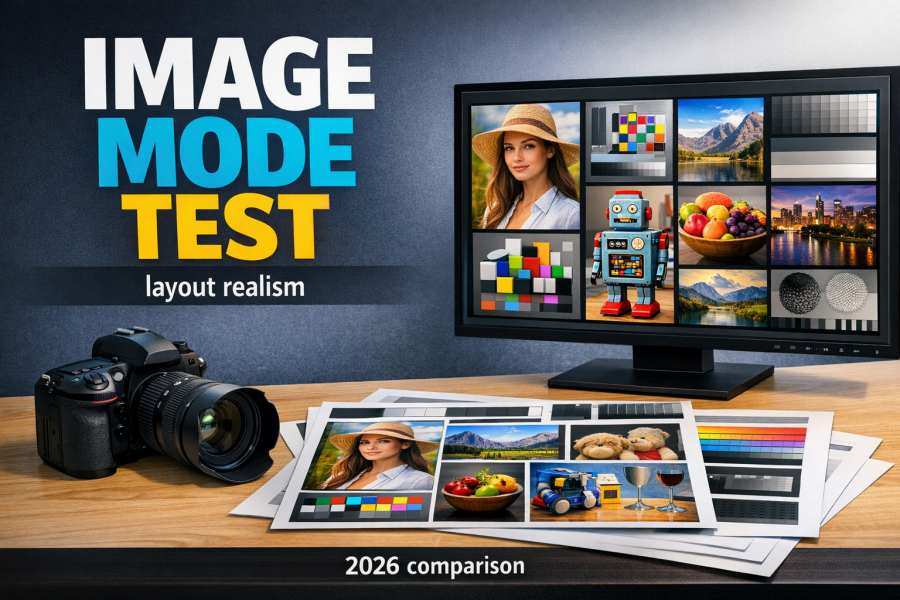
Wiro included both a large headline and small footer text in its layout test. If your output will carry a real product label, give the smallest copy a separate check. Source: Wiro's image model layout test
Is Wiro AI worth trying?
Yes, if you're building a feature that needs both images and video, or if your team regularly repeats a media workflow across products. Start with two models and one real asset. Keep the trial small enough that you can inspect every result. If you can produce a clip you'd actually ship and repeat the process with a second photo, you have a better reason to integrate than a long list of models.
Frequently asked questions
Can I use Wiro AI without writing code?
Yes. Model playgrounds let you select the model and fill in its inputs in the browser. Wiro Studio gives you a chat interface that can pick a model based on what you ask it to make. Check the run price before generating. Wiro model catalog · Wiro Studio help
Can Wiro turn an existing image into a video?
Yes. Choose a model that accepts a first frame, such as Kling V3 Turbo, then submit the image and describe the motion you want. Available settings depend on the model. Kling V3 Turbo on Wiro
Is there one flat price for the Wiro AI API?
Model runs draw from a wallet. The amount varies by model and settings, so the price for a short test clip can differ from the price for your final render. Wiro provides current model pricing and records the actual cost against each task. Wiro API billing documentation
Have a product photo handy? Open Wiro's Kling playground, upload it as the first frame, and try a slow push-in. Before you run it, decide what has to survive the motion: the logo, the label, or the product's shape. Try image-to-video on Wiro
What did the model get right, and what would you still fix by hand? Share the result or the settings that worked on Wiro AI's LaunchAF discussion.